Bridge Professionals

Gamified quizzes that grow your habits and your confidence.

Overview

Gamified quizzes that grow your habits and your confidence.

Learn professional relationship building skills through a structured learning path. Complete short lessons, pass multiple-choice quizzes, and progress through four badge levels from Newbie to Guru. Each badge unlocks the next set of content, guiding you step by step toward stronger workplace communication and networking skills.

Highlights

  • Short focused lessons on building professional relationships
  • Multiple-choice quizzes with instant feedback and sound effects
  • Four badge levels from Newbie to Guru, each unlocking the next set of content

Tech Stack

  • SwiftUI
  • AVKit

Team: 5

Role: Lead iOS Developer

Timeline: Nov 2025 – Dec 2025

Challenges & Solutions

01

Persisting Progress Across Sessions

Challenge:Without persistence, users would lose all their progress every time they closed the app. This kills motivations quickly.

Solution:Used AppStorage and UserDefaults to store lesson completion, quiz results, and badge unlocks. Lightweight enough to skip CoreData or SwiftData while still tracking what is important.

Result: Users pick up exactly where they left off. Progress persists through app closures and device restarts.
02

Progressive Content Unlocking

Challenge:Users needed to follow a structured learning path without skipping ahead. Quizzes had to stay locked until the lesson was done, and entire badge sections had to stay gated behind passing the previous quiz.

Solution:Used @AppStorage to track whether each lesson was finished and whether each quiz was passed or failed. Finishing a lesson unlocks the quiz for that badge, and scoring 80% or higher on the quiz opens up the next badge section. Anything still locked shows as dimmed and disabled so users know they can't tap into it yet.

Result:Users go through the lessons first every time, and the next badge stays locked until they pass the quiz for the one they're on.

Screenshots

Dashboard Screen

Dashboard

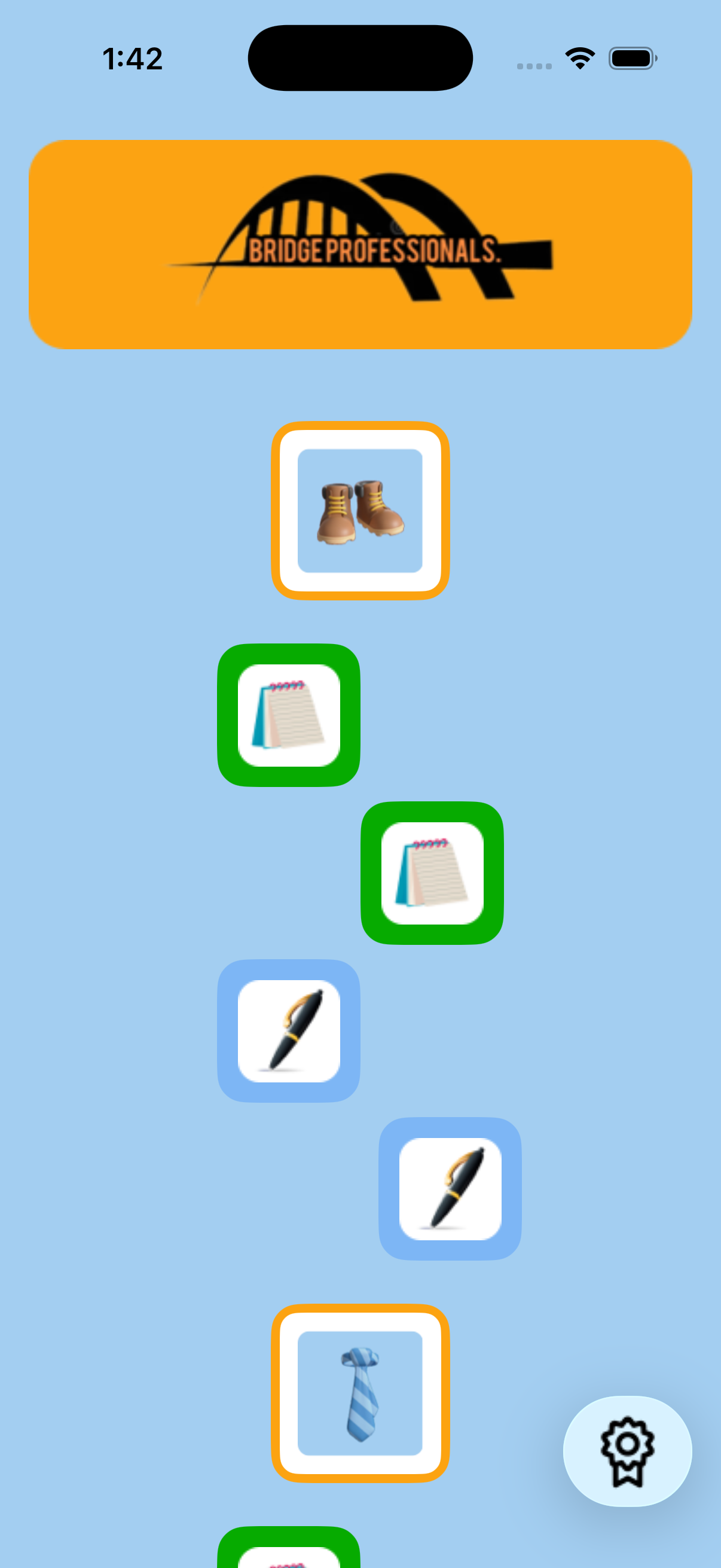
Scroll through the learning path and see which lessons and quizzes are unlocked based on your current progress.

Beach detail screen for Tawas Point State Park showing live weather conditions in Fahrenheit

Lesson View

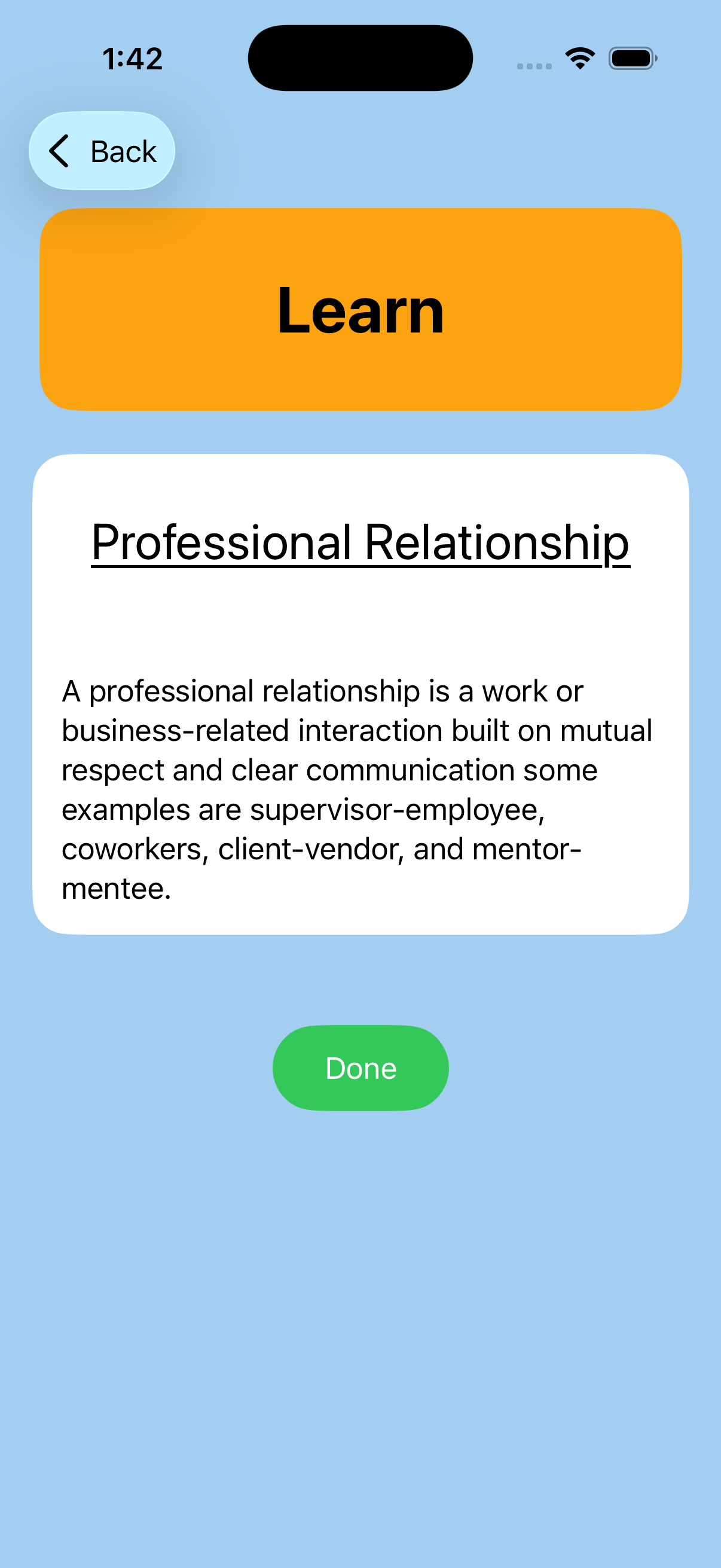
Read through short, focused lessons on professional relationship topics and make them done to unlock the quiz.

Beach detail screen for Sleeping Bear Dunes showing live weather conditions in Celsius

Quiz Mode

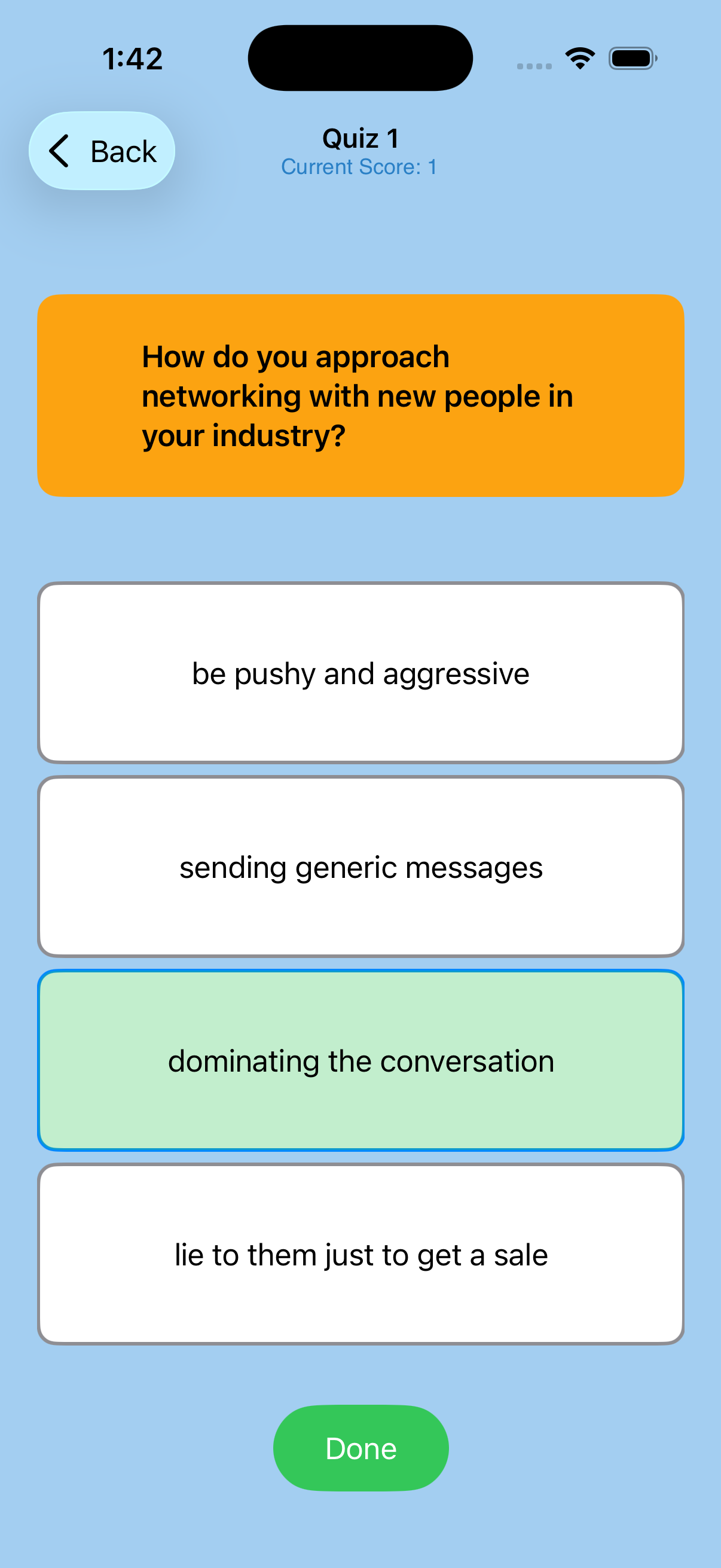
Answer multiple-choice questions and get instant visual and haptic feedback on whether you got it right or wrong.

What I Built

  • Onboarding that only shows on first launch
  • Scrollable map learning path with four badge sections
  • 8 short lessons and 8 quizzes with 5 questions each
  • Feedback for answers using color changes, audio, and haptics
  • Badge view to inspect all badges
  • Progress tracking with AppStorage that persists across sessions
  • MVVM architecture with Observable view models

Code Snippets

A few of the more interesting pieces from the backend and iOS client.

Badge Progression

Controls access to quizzes based on lesson completion. Both lessons in a badge section have to be finished before the quiz tile becomes tappable. Locked quizzes show at reduced opacity so users can see what's next.

NavigationLink {
    QuizControllerView(
        questions: sets.Set1
    )
} label: {
    QuizMapTile(quiz: Quiz(name: "Quiz", assetName: "Pen"))
        .opacity((learn1Completed && learn2Completed) ? 1.0 : 0.4)
}
.disabled(!(learn1Completed && learn2Completed == true))
						

Quiz Answer Sound Feedback

Checks the selected answer against the correct one, plays a success or buzz sound, and flags the question as submitted so the UI can show visual feedback.

func submitAnswer() {
    guard let selected = selectedAnswer else { return }

    if selected == questions[currentQuestionIndex].correctAnswer {
        SoundManager.instance.playSound(sound: .success)
        score += 1
    } else {
        SoundManager.instance.playSound(sound: .buzz)
    }

    hasSubmitted = true
}

Next Iterations

Next I want to add a progress bar to the main map so users can see how far along they are at a glance. I'd also add animations on badge unlocks and quiz transitions so progression feels more interactive. For the code I want to move persistence to SwiftData or CloudKit so progress syncs across devices, and adding a reset option in settings for anyone who wants to start over. From there it's just more content, new badge tiers and topics beyond the current four levels.

Outcome

RelationshipBuilder started because I wanted professional development to feel less like a chore and more like something you'd actually come back to. The unlock system keeps users moving through the content in order, and the sound and color feedback on quizzes makes it feel interactive instead of passive. This project was my first time building a full gamified progression system from scratch, figuring out how to gate content cleanly, track everything with @AppStorage, and keep the codebase set up so adding more lessons and badges doesn't mean rewriting what's already there.

More Case Studies